No subscription file transfer

No subscription

Use your own server and eliminate recurring fees entirely. Sharoo is a one-time purchase — no monthly bills, no hidden costs, no premium tiers. Your server does the heavy lifting, so you never pay for storage or bandwidth again.

Powerful file transfer features

Powerful Features

Set expiration dates, password-protect links, limit downloads, and track every access in real time.

Easy file transfer setup

Share in Seconds

Configure your server once, then just drop your files and share the link.

Full privacy file sharing

Full privacy

You are in total control. Your files go directly from your Mac to your server via SFTP — no third parties, no data collection, no tracking, no analytics, no ads. Everything stays strictly between you and your own infrastructure.

How it works

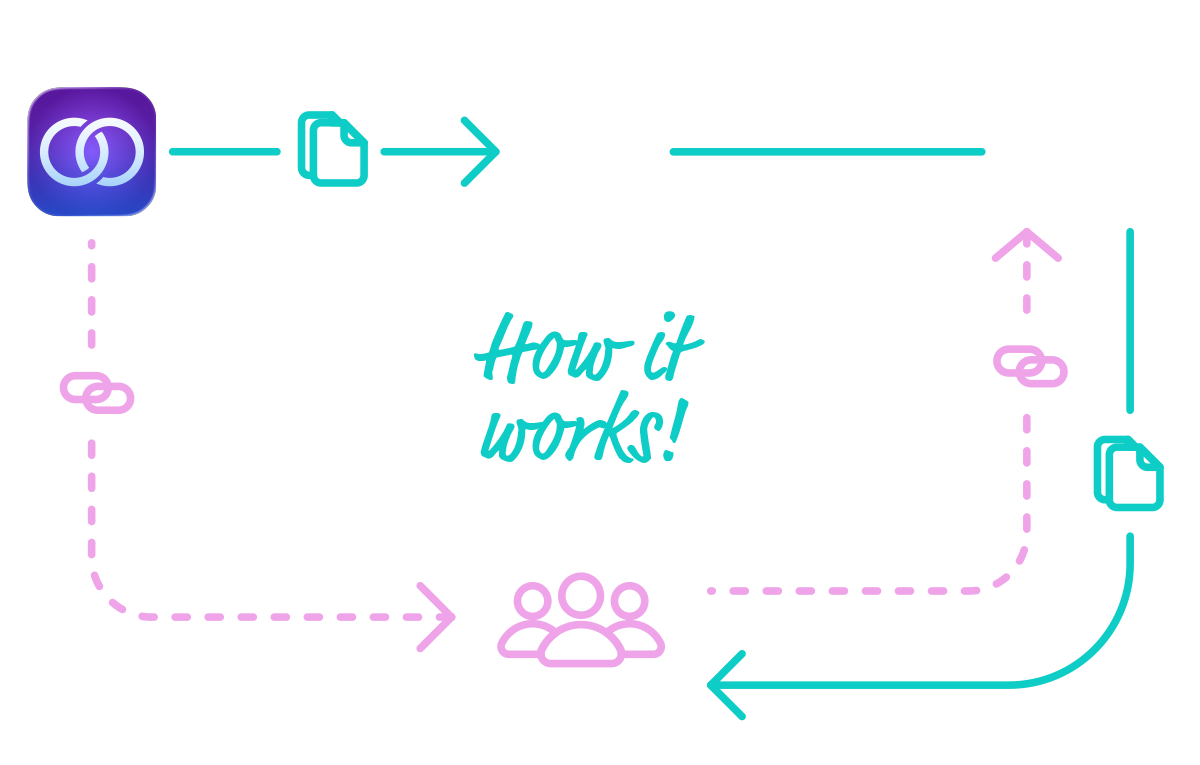
How the App Handles File Transfers

Server Configuration

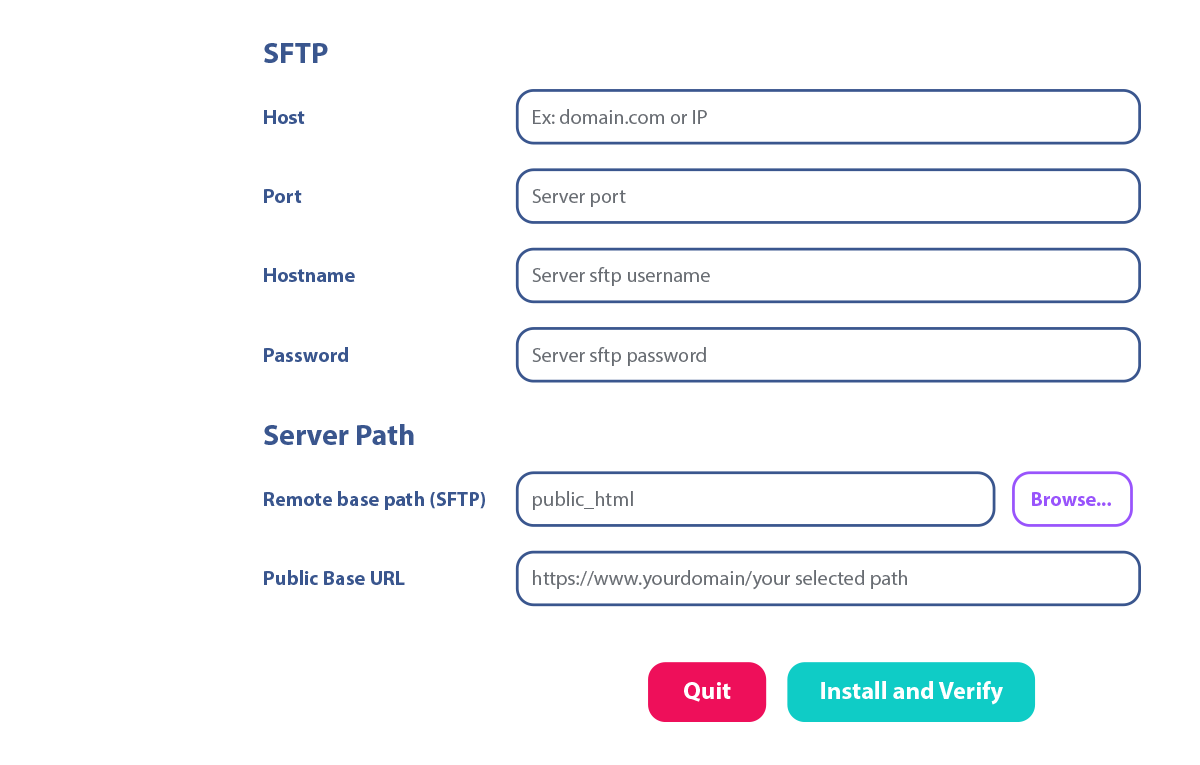
In the Sharoo app, enter your server address, credentials, and port, then choose the folder for your transfers. Once configured, the app will install a server kit inside that folder, which will generate dynamic pages for your transfer links.

Enter your server details

Generate Link

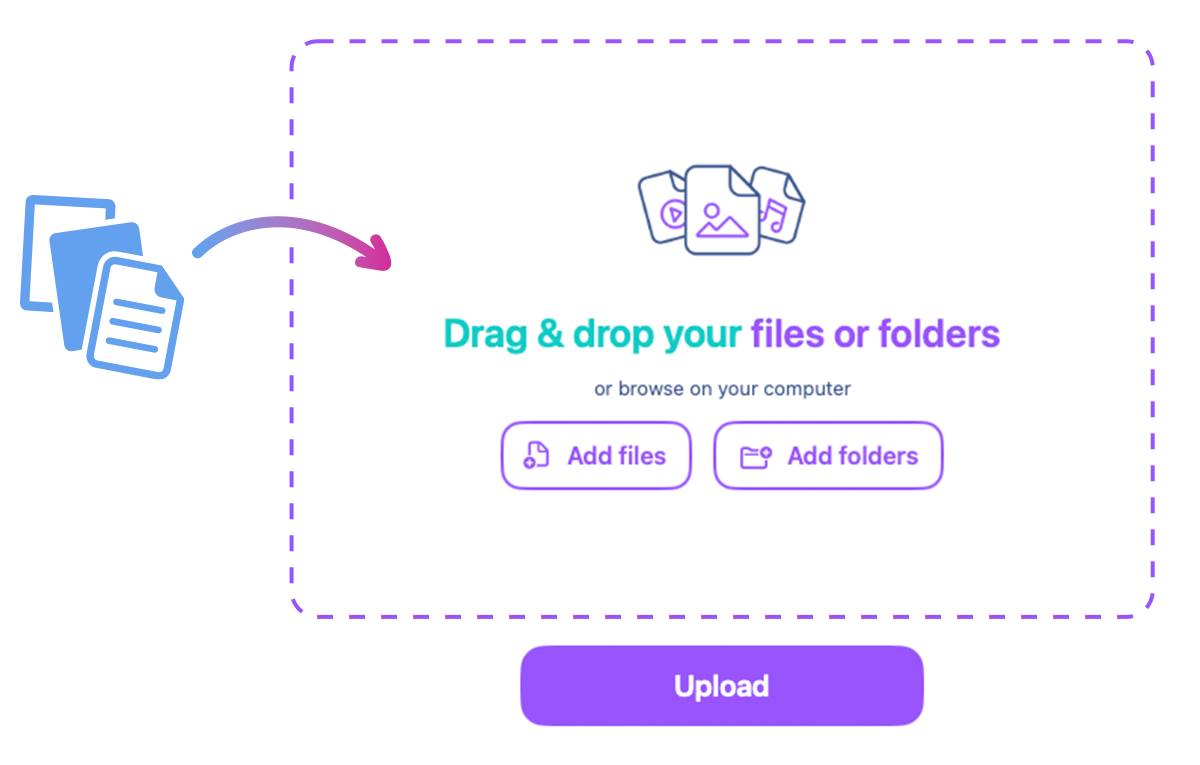
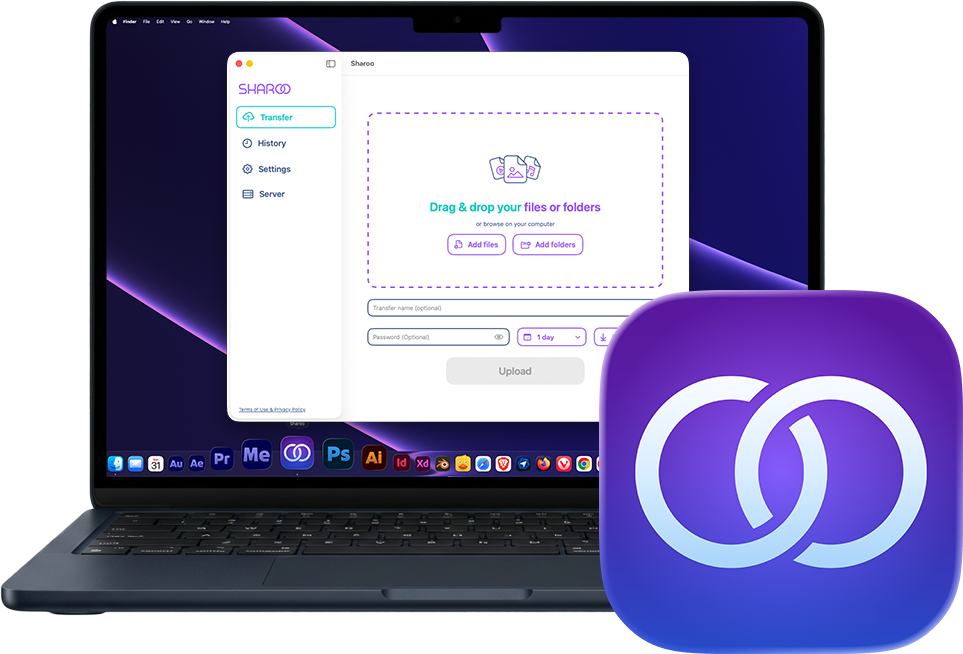
Drag and drop your files into Sharoo. They will be securely transferred via SFTP to your server, and the app will generate a custom link along with a QR code.

Installation of the server kit

Share your Transfer

Send the generated link or QR code to your client using email, chat, or any communication tool. Your client can instantly access the transfer page without creating an account.

Uploading…
File transfer and link generation

Transfer Download

Once you send the link to your client, they will open a web page showing all the files. They can choose to download individual files or all files in a single ZIP.

Download page step 1 Download page step 2 Download page step 3 Download page step 4 Download page step 5

Track Transfer details

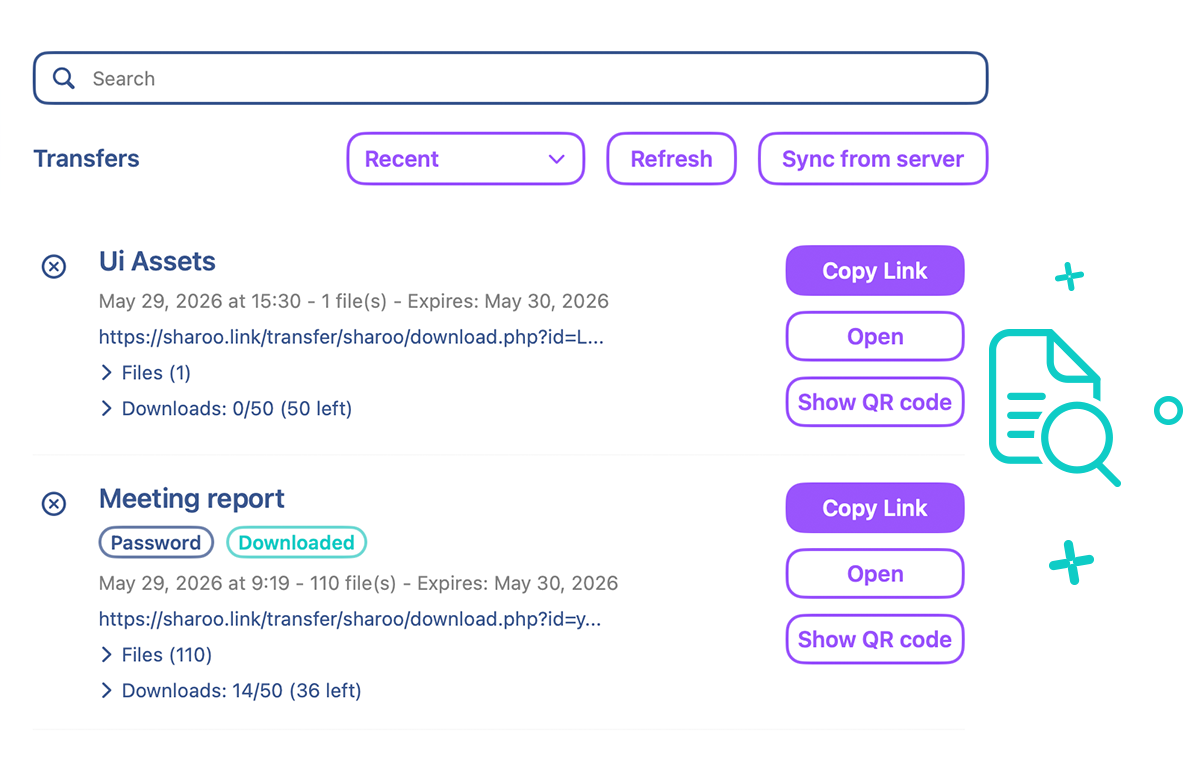
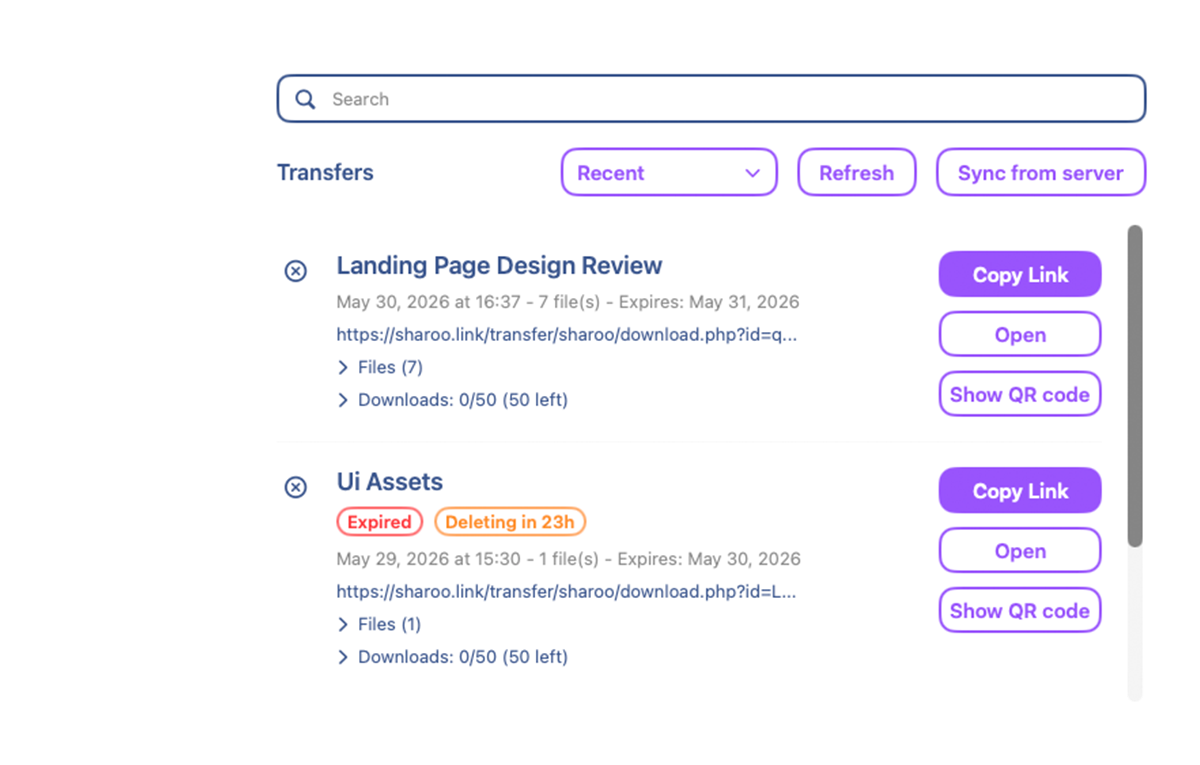
In the History page, you can see all completed transfers with full details: link, QR code, date, size, and more. You can also delete transfers and check exactly when each file was downloaded, as well as which files were accessed.

File transfer and link generation
Sharoo on macOS

Ready to
take control
of your file transfers?

Download Sharoo from the Mac App Store and start using your own server today.

Download on the Mac App Store

Under the Hood

Everything runs directly on your server. No database required.

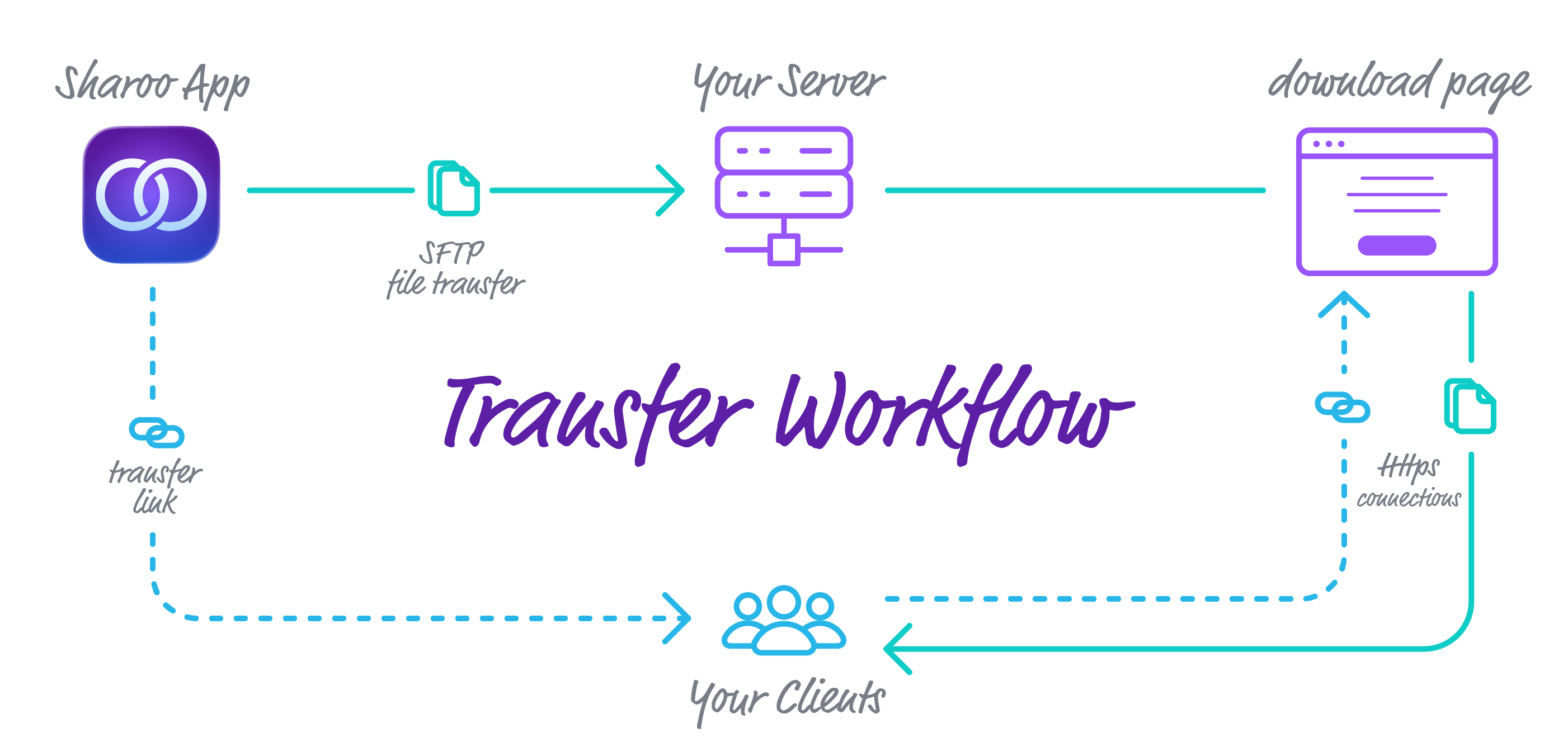
Sharoo technical scheme

Sharoo connects to your server via SFTP and installs a lightweight server kit inside the folder you specify. No database is needed, the entire system is built on a combination of .htaccess files, PHP scripts, and JSON files.

  • .htaccess files – They secure the folder by blocking direct access to sensitive files, ensuring that only authorized requests through the transfer link can reach the content.
  • PHP scripts – They dynamically generate the download page for each transfer, handle file downloads, and manage the creation of ZIP archives for batch downloads.
  • JSON files – They store all transfer configurations, such as expiration dates, maximum download counts, access passwords, and download statistics. Each time a file is downloaded, the app updates a JSON file to track which files were accessed and when.

When you share a transfer link, the recipient opens a secure HTTPS page where they can view the file list, download individual files, or download everything as a single ZIP, all served directly from your server, with no third-party services involved.

Requirements

What you need on your Mac and your server to start sharing files with Sharoo

Sharoo is a macOS app that connects to your web server via SFTP. The server needs Apache with .htaccess support, PHP, SFTP access, sufficient disk space, and a valid SSL certificate for HTTPS. No database is required.

Mac Requirements Minimum

macOS Version
15.6 or later
Processor
Apple Silicon (M1 or later)

Server Requirements Minimum

Web Server
Apache + mod_rewrite
PHP Version
7.4 or higher
Protocol
SFTP (SSH)
Storage and bandwidth
As much as you need
HTTPS
SSL certificate required
PHP Extensions
Zip, JSON, Date
Sharoo on macOS

Ready to
take control
of your file transfers?

Download Sharoo from the Mac App Store and start using your own server today.

Download on the Mac App Store

Compare Plans

See how Sharoo stacks up against the competition

Unlike WeTransfer and Smash, Sharoo has no subscription fees. Your only limits are the ones set by your own server, storage, bandwidth, and file size depend on your hosting plan, not on arbitrary restrictions imposed by a third-party service.

Sharoo WeTransfer (Starter) Smash (Pro)
Monthly fee None Free From €8/mo From €10/mo
Storage Your own server 2 TB 1 TB
Transfer expiry 30 days 3 days 30 days
Track downloads per file
QR code generation
Control download count
Full data ownership
Custom domain Your own domain
Complete data ownership

Table data last updated: June 1, 2026

Support

Help and resources to get the most out of Sharoo

Frequently Asked Questions

What kind of server do I need?

Any standard web hosting plan or VPS that supports PHP 7.4 or higher and Apache with mod_rewrite will work. You also need SFTP (SSH) access and an SSL certificate for HTTPS.

Do I need a database to use Sharoo?

No, Sharoo does not require any database. The entire system runs on a lightweight server kit made of PHP scripts, .htaccess files, and JSON files, all deployed directly on your server.

Can I password-protect my transfers?

Yes, you can set a password for each transfer. Only people who know the password will be able to access and download the files.

Is my data shared with third parties?

No. All data is handled exclusively between the app on your Mac and your own server. No data of any kind, files, credentials, transfer details, or usage statistics, is ever sent to Sharoo or any third-party server.

Do I need to pay a monthly subscription?

Not at all. Sharoo is a one-time purchase from the Mac App Store. You use your own server, so there are no recurring fees or hidden costs, just pay once and own it forever.

How long are my transfer links available?

You decide. Sharoo lets you set a custom expiration date for each transfer, up to a maximum of 30 days. You can also limit the number of downloads before the link expires automatically.

Can I track when my files are downloaded?

Yes, Sharoo provides detailed download statistics for every single file in your transfer. You can see exactly which files were downloaded, the date and time of each download, and the total number of times each file was accessed, all from the History page inside the app.

Troubleshooting

Running into issues? Visit our troubleshooting page for step-by-step solutions to the most common problems you may encounter while using or configuring Sharoo.

View Solutions
Troubleshooting

Get in Touch

Have a question or need help? Drop us a message